
When I was searching for internships, I was on LinkedIn, Indeed, Handshake. All of them.
And every single time I clicked on a posting, there were already 100, 200, sometimes 1,000 applicants. It had literally just gone live.
I kept thinking, how is this even possible? (I know now it was bots)
So today I’m going to save you that headache and break down the three best platforms to find internships in 2026, plus the exact game plan I used to apply to over 400 high-quality applications in about a month.
1. Jobright.ai + The Master List
The first platform is Jobright.ai, and there are two ways to use it.
If you just want to get straight to applying, go directly to their master list, it’s clean, it’s organized, and it has more postings than most places you’ll find.
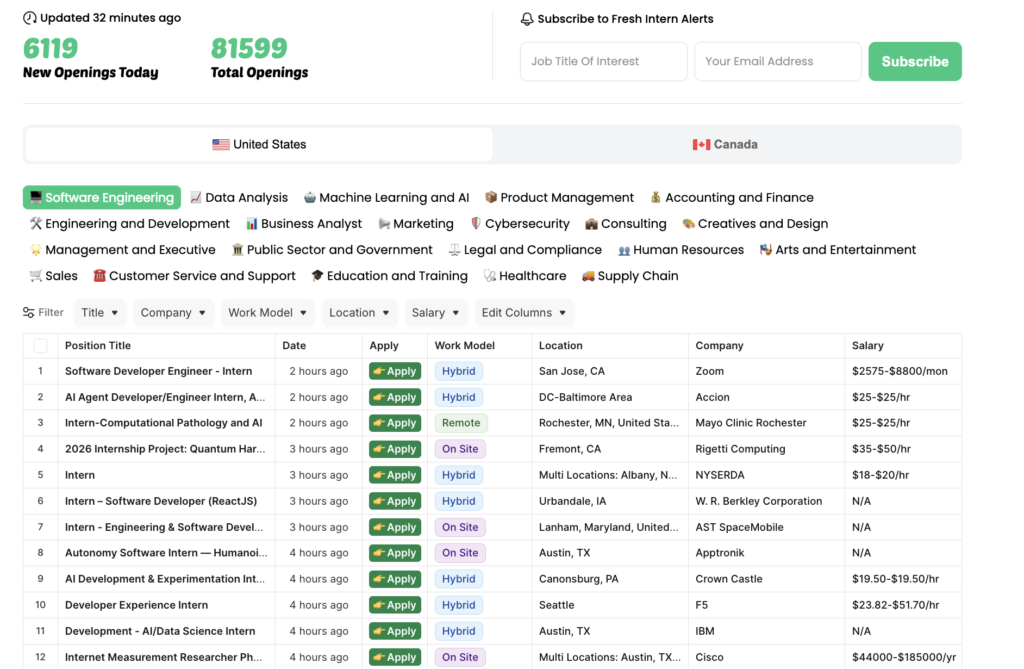
If you want a more polished application experience with a streamlined interface, they have that too. You find that one here.
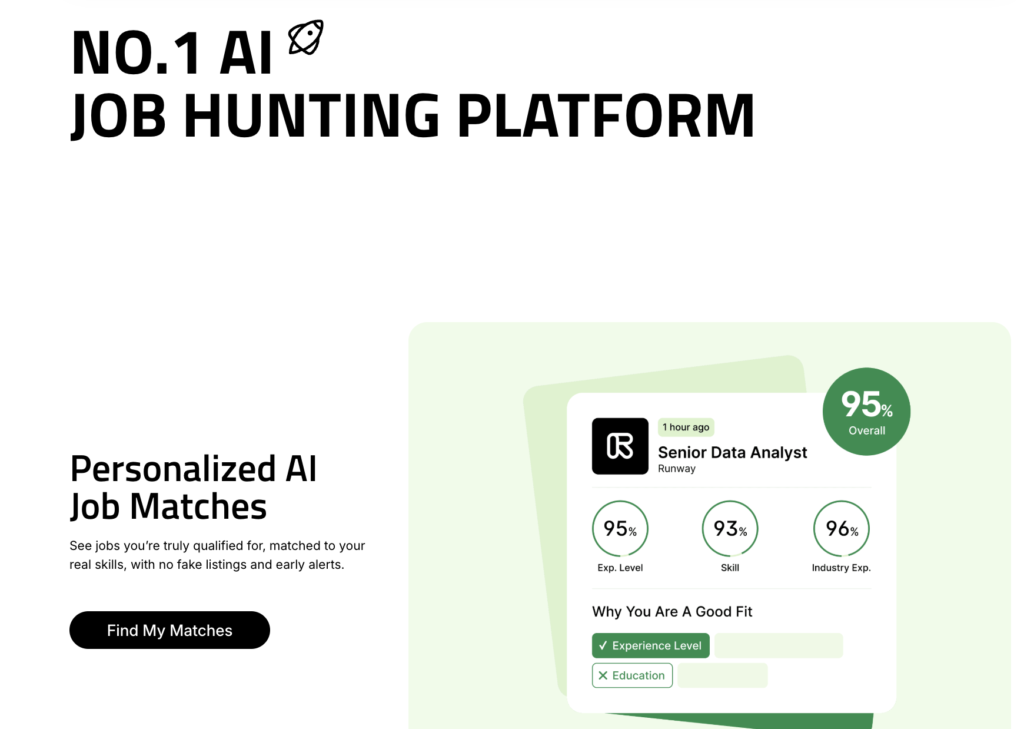
Either way, this should be one of your first stops.
It also has alerts. So you can literally save your searches and set alerts for it.
Best of all? it’s 100% free with some premium options like auto applying, which we will get into the free method later.
I used it and I am still using it to find new grad opportunities for higher paying offers. It’s crazy good!
2. GitHub’s Internship List
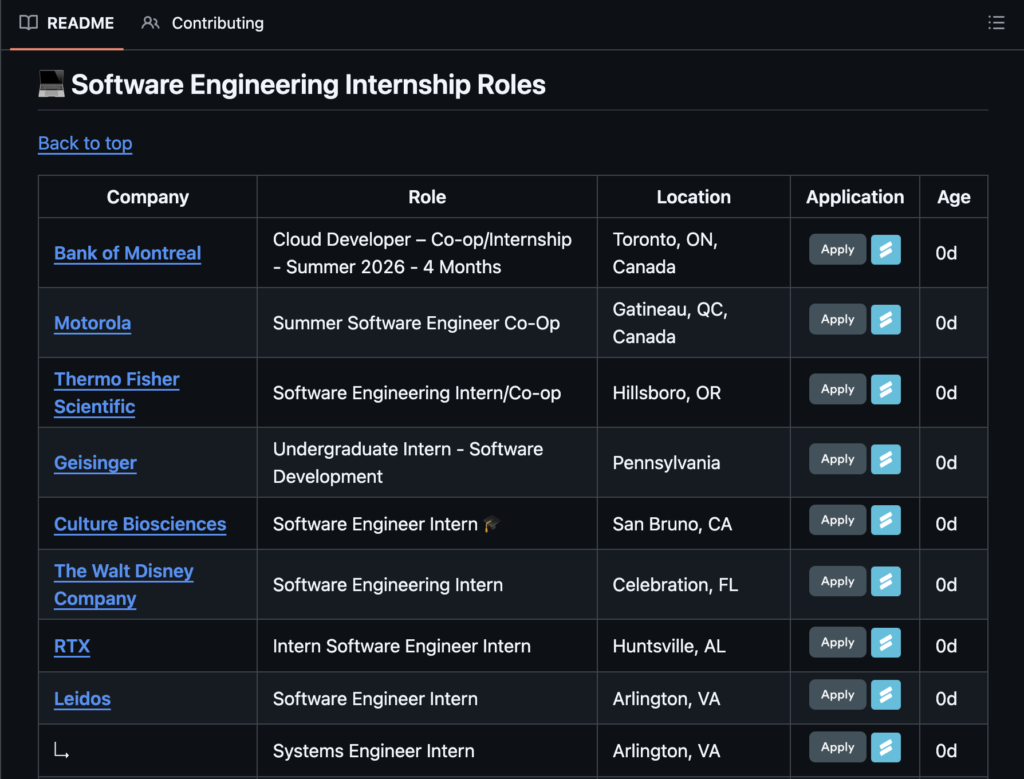
This one changes every year, so I keep the link updated, but for 2026 summer internships, there’s a GitHub repository that hand-picks and curates internship openings from the most notable companies in the world.
It overlaps a little with Job Right AI, but it’s more curated and brand-name focused.
If you’re ambitious and targeting recognizable companies, this list is for you.
They also include some smaller, up-and-coming companies worth checking out. It’s just another strong channel to pull from.
3. Handshake – The Most Slept-On Platform for College Students
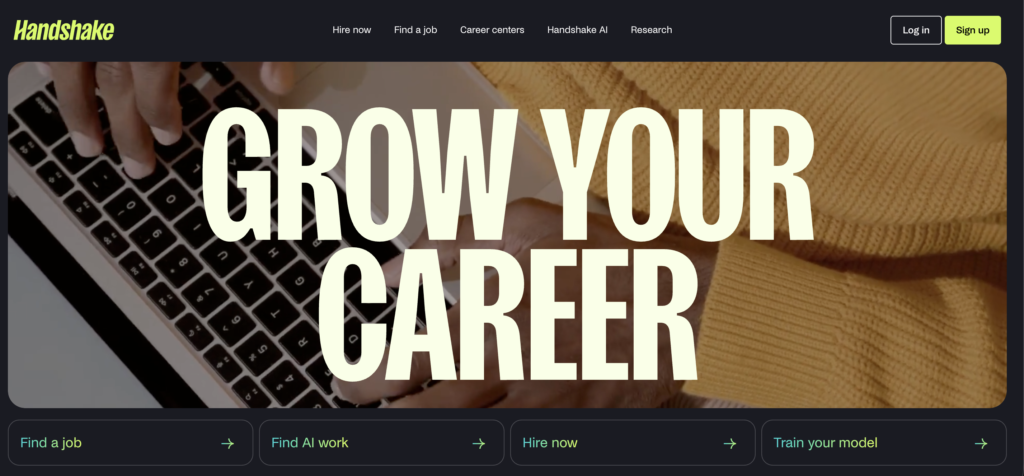
This one is genuinely my favorite, and it is so underrated. If you go to a college or university, your campus has access to Handshake through your student portal, just go to your school’s career page and log in.
You can reach out to your career center to know the exact process. Usually typing “<UNIVERSITY_NAME> handshake> into google gets you to your school’s portal.
What makes Handshake different is that the internships on there are specifically looking for university students. It’s not open to just anyone on the internet.
You have to be enrolled at an accredited university to apply, which means the competition is significantly lower and the opportunities are actually targeted toward you.
Honestly, my game plan would be to start with Handshake first, then move to the Job Right AI master list, and then hit the GitHub list if you’re still going. That’s the order I’d personally run it.
How to Actually Apply at Scale (Without Losing Your Mind)
Here’s the part nobody talks about. Spending five to ten minutes perfecting every single application is just not realistic when you’re trying to apply to hundreds of positions.
Ten applications at five minutes each is already an hour and that math does not scale.
So here’s what I actually did.
Use Simplify Jobs, it’s a free Chrome extension that lets you auto-fill applications with one click.
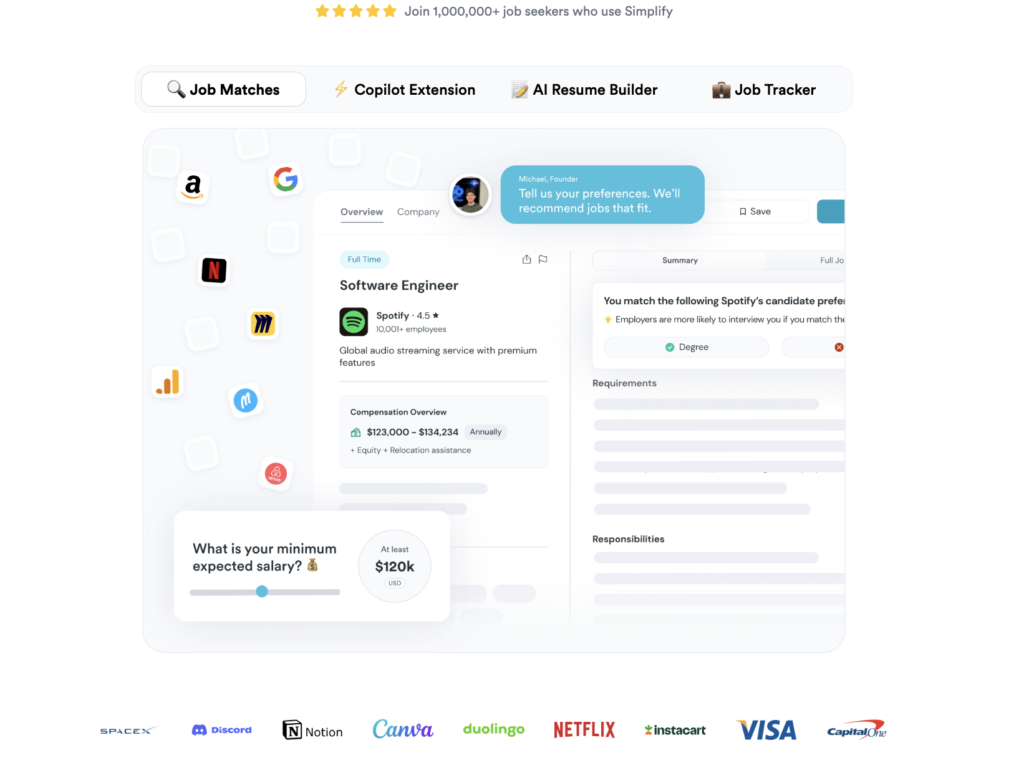
You build one master profile with your name, address, resume, and all the standard information that doesn’t change between applications. From there, a huge chunk of every application fills itself out automatically. This tool saved me genuinely hours and hours of time.
Make it passive. Applying can feel tedious, but it doesn’t have to drain you. Put on a show, a movie, or some music in the background. Once your auto-fill is set up, a lot of it is just reviewing and submitting. You can even do it while on a call. It’s that low-lift when you have the right tools set up.
For written responses and cover letters, use Claude. What I recommend is uploading your resume to Claude, giving it some context about yourself (projects you’ve worked on, things you’re interested in, your background), and then pasting in whatever essay question or prompt the application is asking. Claude will generate a response that you can actually work with.
The key is to prompt it to match your tone and how you naturally speak and definitely tell it no em dashes and no emojis. Then do a quick five-second read-through to make sure it actually sounds like you before submitting. Don’t just copy-paste blindly, that’s low quality.
The Bottom Line
Stay consistent with this system for one to two months and you will start seeing results, as long as your resume is solid. I applied to over 400 internships in about a month or two using exactly this process, and that’s how I ended up at places like Apple and Verizon.
These weren’t low effort one-click LinkedIn applications either, they were targeted, quality applications from the platforms I just walked you through.
Now I want to stress that some of these platforms, like Handshake, do have a one-click apply. Honestly, it works, I have gotten interviews from using this feature unlike LinkedIn or Indeed.
If you want to know how to build the experience to even get those interviews, or if you’re not sure when to start applying, check out the resources linked below. Hope this helps!
Leave a Reply